Packaging Design & Guides
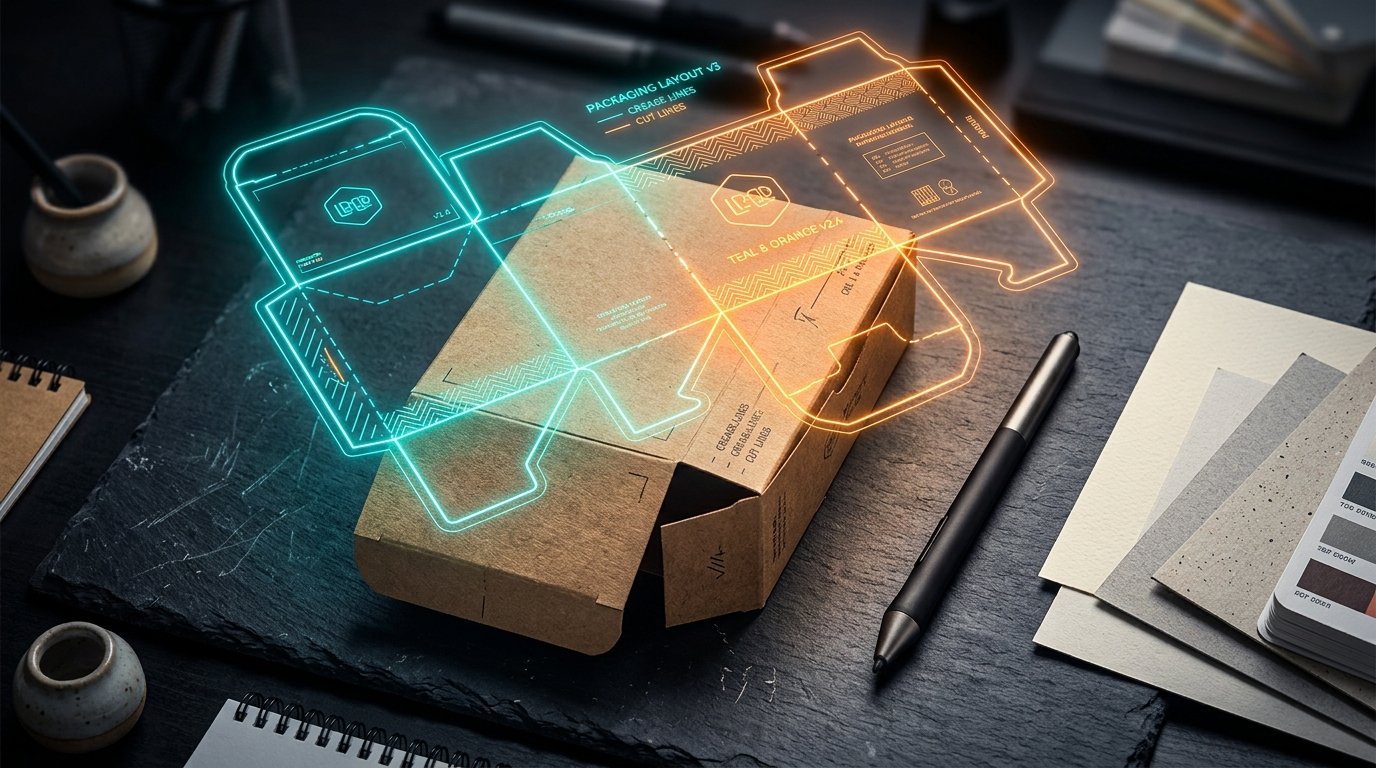
How to design a custom box means planning three things together: the physical structure, the box dieline that shows every panel and fold, and the packaging artwork that will be printed on it. A JPEG on a white background can show an idea, but it is not a production-ready box design.
A good first order starts with the box, not the graphics. You need style, finished size, how it opens, board, and file setup before anyone hits print. That’s why this is the same path a packaging operator uses — empty dieline to a box that actually folds.
What custom box design actually includes
Two parts: structure and what prints on it. Structure is how the sheet folds, closes, and holds the product. Artwork is what the customer sees after it is assembled.
- Structure — box style and finished length, width, height.
- Dieline — flat template: cuts, folds, panels, tabs, glue.
- Artwork — logos, color, copy, photos on the right panels.
- Production file — CMYK, 300 DPI, bleed, safe zone.
- Preview — 2D file plus a 3D view before you approve press.
The dieline is the map. Artwork sits on the map. Change the structure after art is done and graphics crop, wrap a corner, or land on a glue flap.
Pick the box before you draw
The product and how it ships tell you more than the logo does. A small serum needs a compact folding carton. A case going through a carrier needs a shipper.
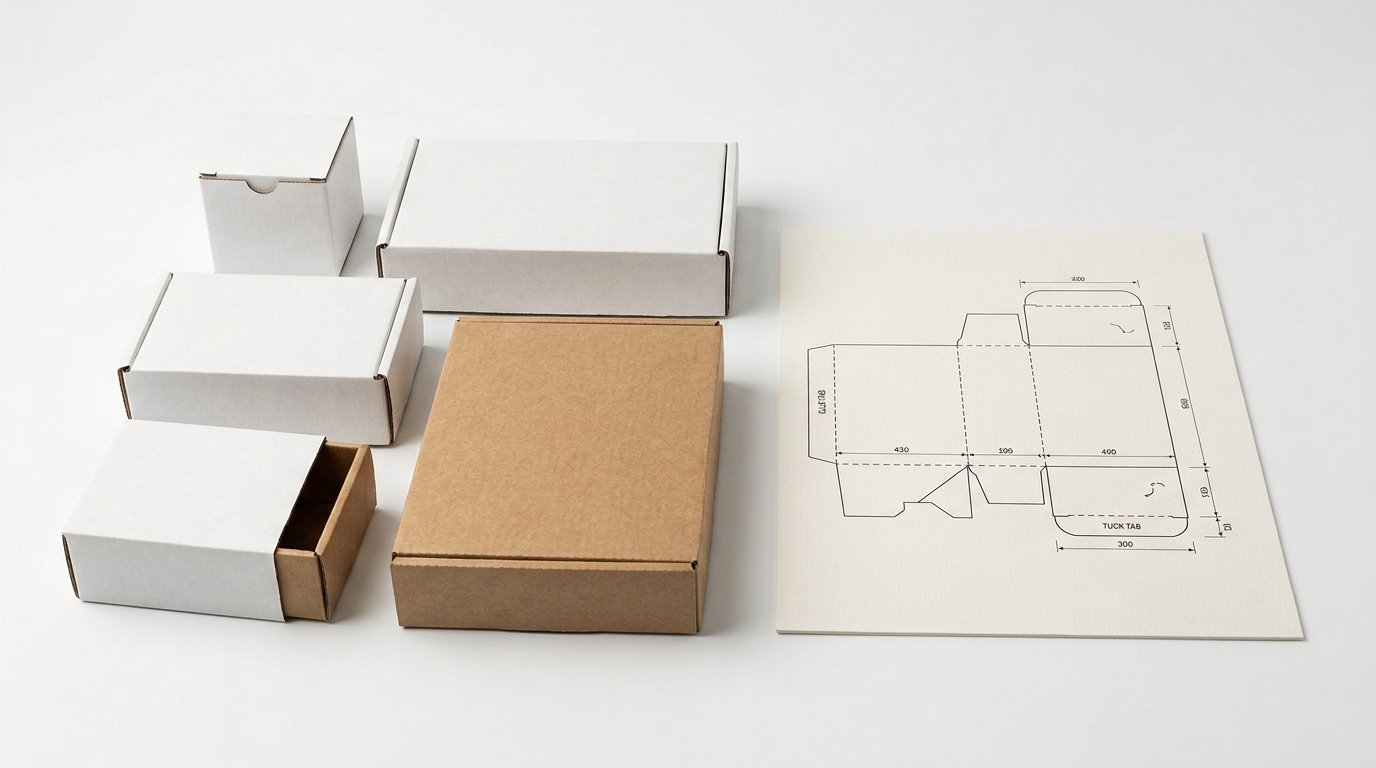
| Job | Box type | Typical use |
|---|---|---|
| Small retail product | Folding carton | Cosmetics, personal care — see custom cosmetic boxes |
| Ships to a customer’s door | Mailer box | DTC and subscriptions — custom mailer boxes |
| Premium unboxing | Rigid box | Gift and presentation packaging |
| Retail checkout | Counter display | Custom counter display boxes |
A 6×4×2 carton for a serum is a different panel layout than a 12×9×6 shipper for a case. Size changes folds, closure, and how much art fits on each face.
If you only have a logo, you can still order custom boxes with logo — the structure still has to be picked first.
How to design a custom box on a real dieline
Build the dieline before you design graphics. Prime Custom Boxes has a free 2D/3D tool: pick a style, enter length, width, and height in inches, cm, or mm.
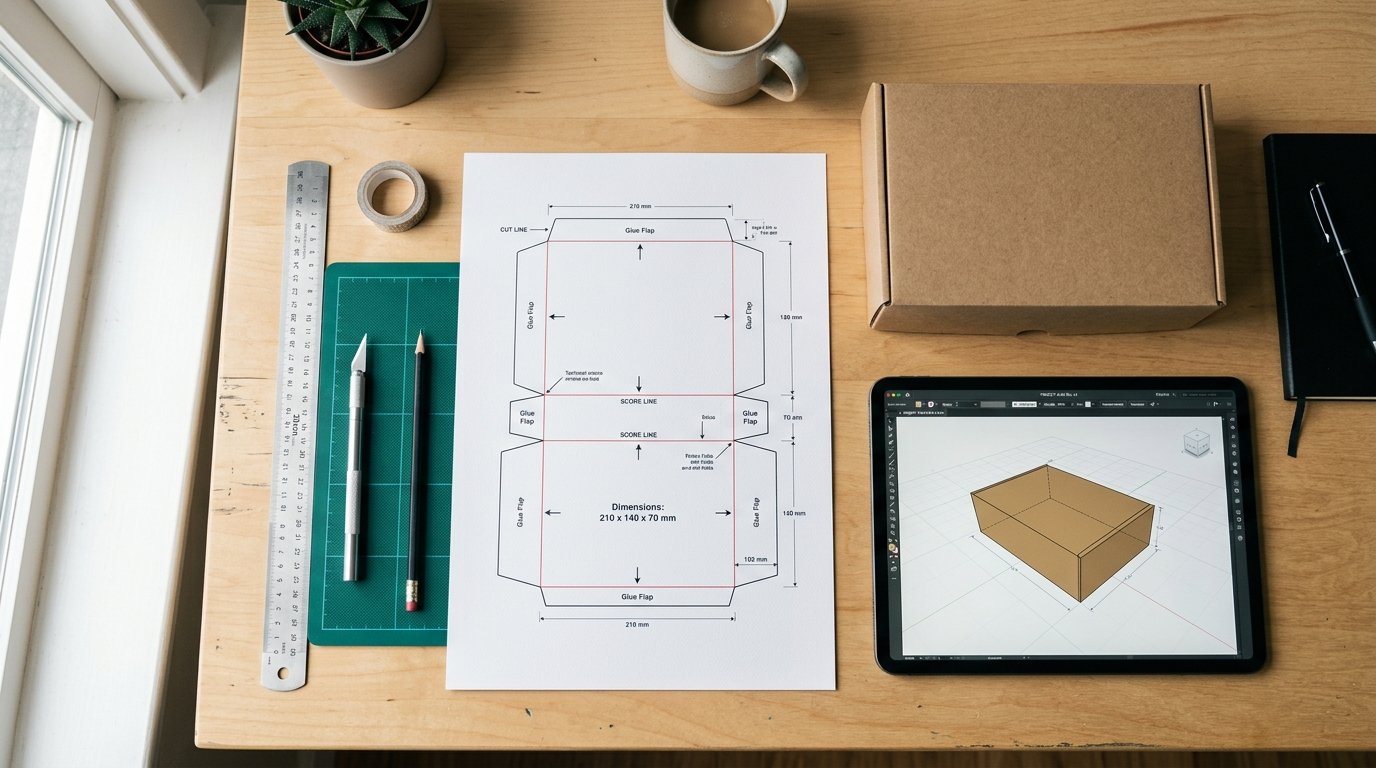
Open the box dieline generator. You get a 2D layout, a 3D preview, artwork upload, and an SVG download. The on-screen preview is watermarked; production files are not.
Full wrap: download SVG → place art → upload as Full dieline. Logo or one panel at a time: Each side.
Confirm finished L × W × H against the product. Do not measure the outside of an old box and assume that is the production size.
File setup in one pass
Once the structure is locked, use these four numbers. Full spec lives on the artwork guidelines page — don’t rebuild it from memory.
- Bleed: 0.125″ (3 mm) past the cut.
- Safe zone: logos and type 0.25″ (6 mm) inside the cut.
- Raster: 300 DPI at final size.
- Color: CMYK, not RGB.
Without PMS, screen-to-press shift of about 5–10% is normal. Monitor color is not a press match.
Preferred file: PDF with fonts outlined. AI and EPS are fine. PSD only at 300 DPI. Board weight: paper weight chart.
2D vs 3D preview vs physical proof
They answer different questions.
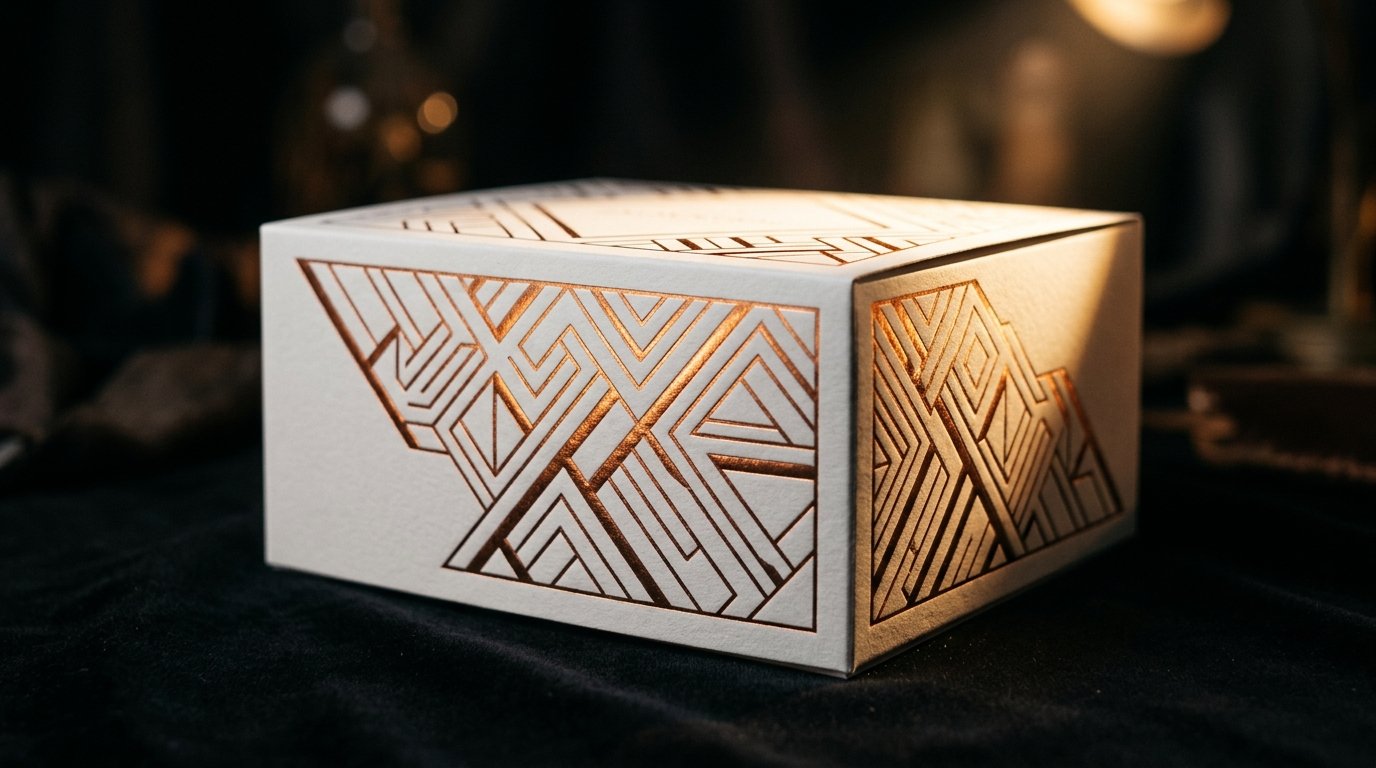
- 2D dieline — panel placement, folds, bleed, safe area, art orientation.
- 3D mockup — assembled look, logo position, which panel faces the customer.
- Physical proof — real board, fold, print, color.
A 3D preview is not a press proof. For a first order, use 2D for details, 3D for the assembled look, and a physical sample if color has to match. More utilities: packaging tools.
Mistakes that blow the first proof
- Art finished before the structure is locked.
- Type or logo sitting on the cut (no safe zone).
- No bleed — white sliver after the die.
- RGB file sent to a CMYK press.
- Web JPEG under 300 DPI.
- Copy running across a fold.
- Checking only the front panel.
- Treating a 3D mockup as a press OK.
Open the flat art next to the dieline, then rotate the 3D view. If a name or instruction disappears on a fold, move it now.
Frequently Asked Questions
Do I need Illustrator to design a custom box?
No. Start in the free dieline tool: style, size, 2D/3D, SVG download. For press, PDF is preferred; AI and EPS also work.
What is a dieline?
A dieline is the flat template that shows cuts and folds. It maps panels, tabs, and glue so artwork lands on the right faces after the box is folded.
Should I use CMYK or RGB?
CMYK. RGB is for screens. Convert on press and brand colors shift.
How much bleed should I use?
0.125″ (3 mm) past the cut. Keep important content 0.25″ (6 mm) inside as the safe zone.
Is a 3D mockup a press proof?
No. It checks assembled look and placement. It does not prove board, ink, or color on press.
What do I need for a quote?
Box style, finished size, quantity, and the file if you have one. No minimum order, free design support, free 2D/3D mockup. Request a quote.
Start with the dieline, then the art
That is how to design a custom box without reprinting a bad first run: lock style and size, build the dieline, place art, check 2D, rotate 3D, then quote.
Prime Custom Boxes, East Elmhurst, NY. No MOQ, free mockup, no die or plate charges. Rush about 7–9 working days; standard about 10–12 after approval. Free USA shipping over $100.
Build it in the 2D/3D box designer, keep the artwork guidelines open, then get a quote. Full range on the Prime Custom Boxes homepage.